Part 03 · the showroom screen
The customer sees your materials in their kitchen before buying.
A screen in the showroom: the customer picks a slab from your materials and it appears on the worktop, the island and the cladding of a realistic kitchen. Eight slots, four views per scene, and a side-by-side comparison.
What happens in front of the standing slab?
“How will this slab look in my kitchen?”
The customer sees a standing slab and cannot picture it on their island, so the decision waits.
Torn between two slabs
Calacatta or Crema? With no picture of both side by side, they leave “to think” and never return.
Leaves without a trace
No name, no number, no sheet; a week later the staff cannot recall what they liked.
The slab on the worktop, the island and the cladding at once
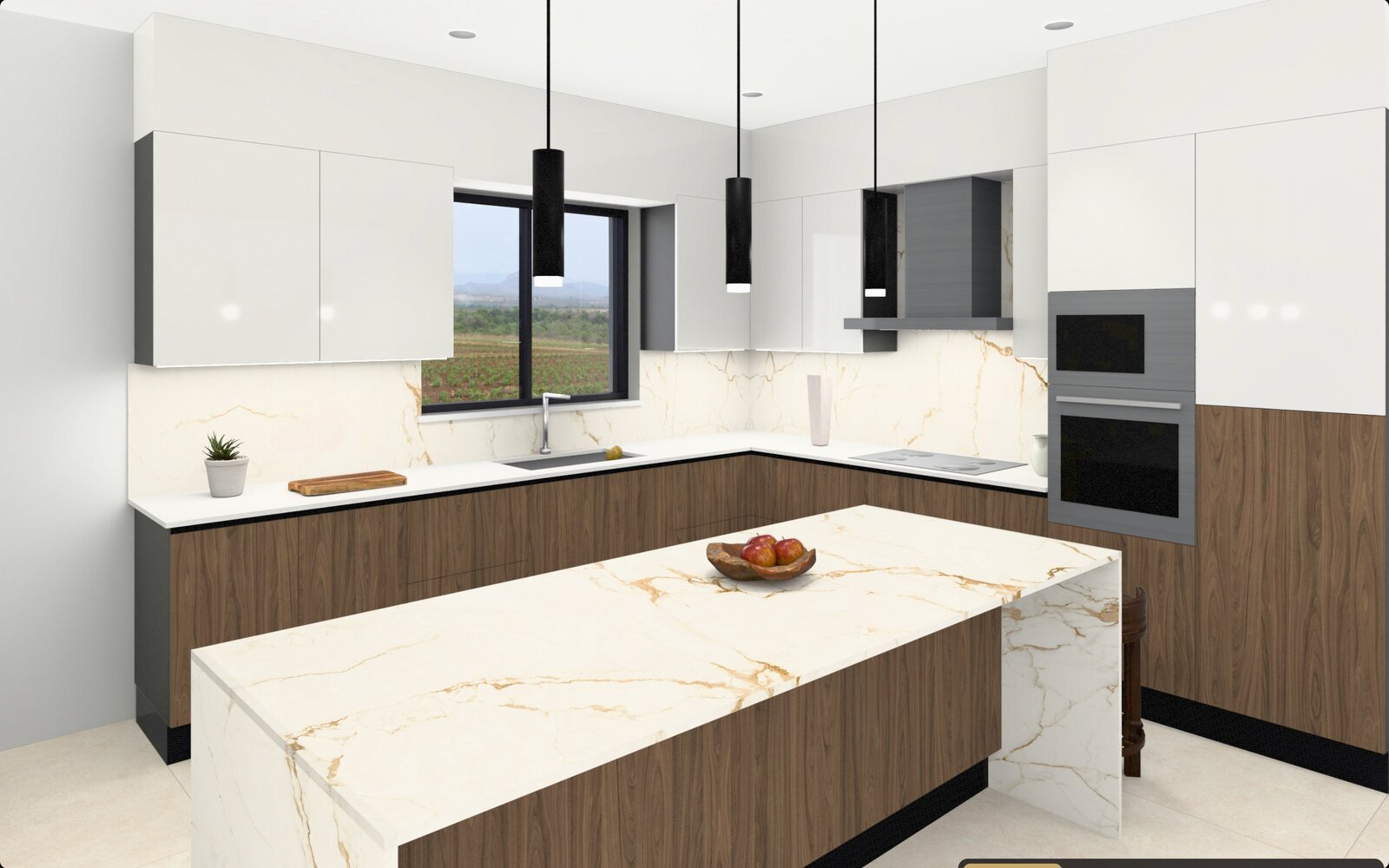
- Pick a slab from your list and it appears on the worktop, island and cladding at once.
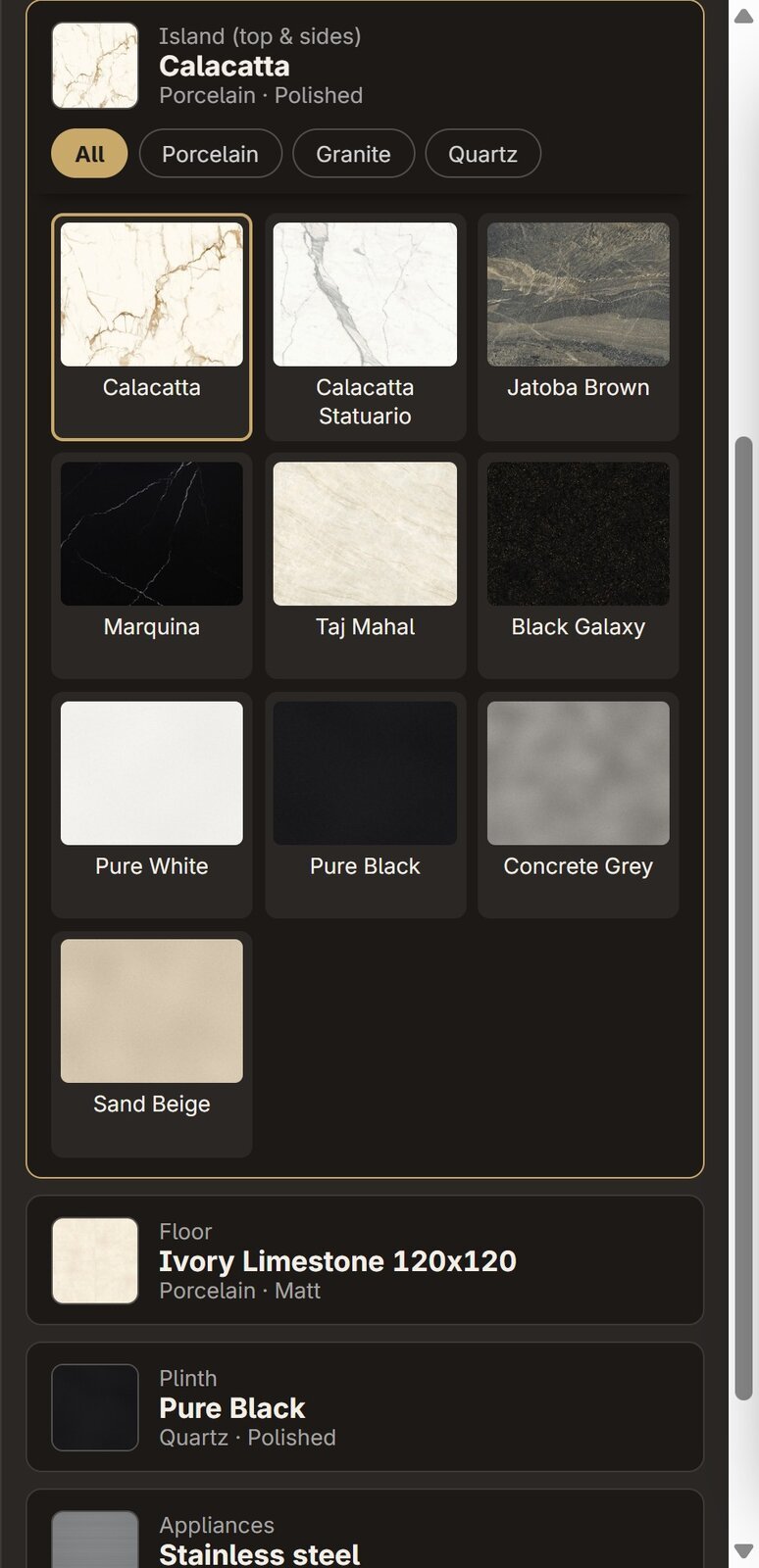
- Eight slots: lower and upper cabinets, worktop, cladding, island, floor, plinth, and appliances in three colours.
- Four views per scene: overview, hob wall, sink, island.
- Compare two combinations side by side, then approve one.
- High-resolution renders in a bright look that shows the slab as it really is.
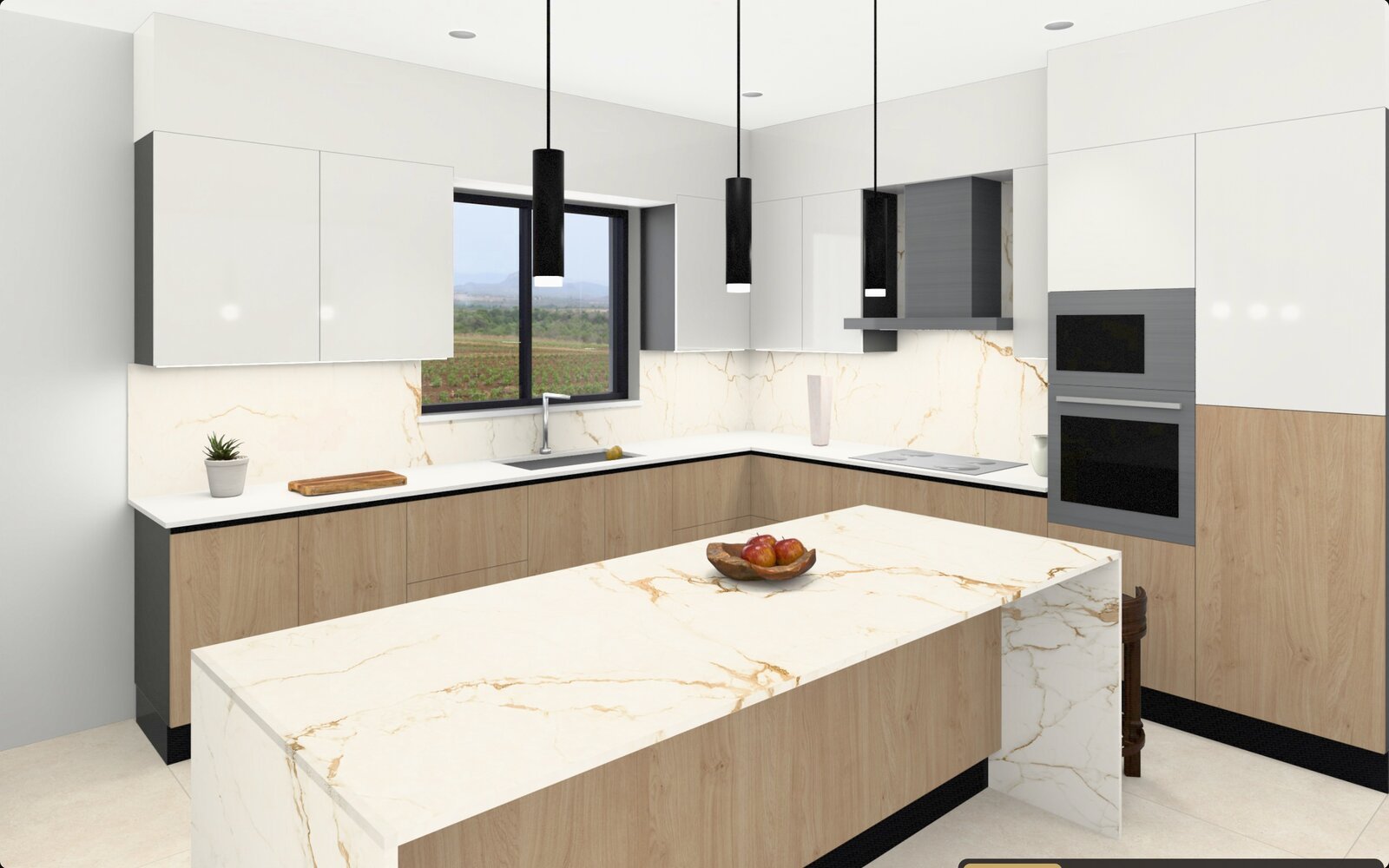
The screen in the staff member’s hands
- A scene picker with pictures: kitchens, living rooms, bathrooms.
- Material slots on the side, filtered by category.
- The four views, one button each, under the picture.
- “Compare”: two combinations side by side, then “Approve”.
- “Save picture”, “PDF sheet”, “Print”, “Send to the customer on WhatsApp”.
- “Previous customer”: recall the combination of a returning customer.
15 ready scenes in the bright look
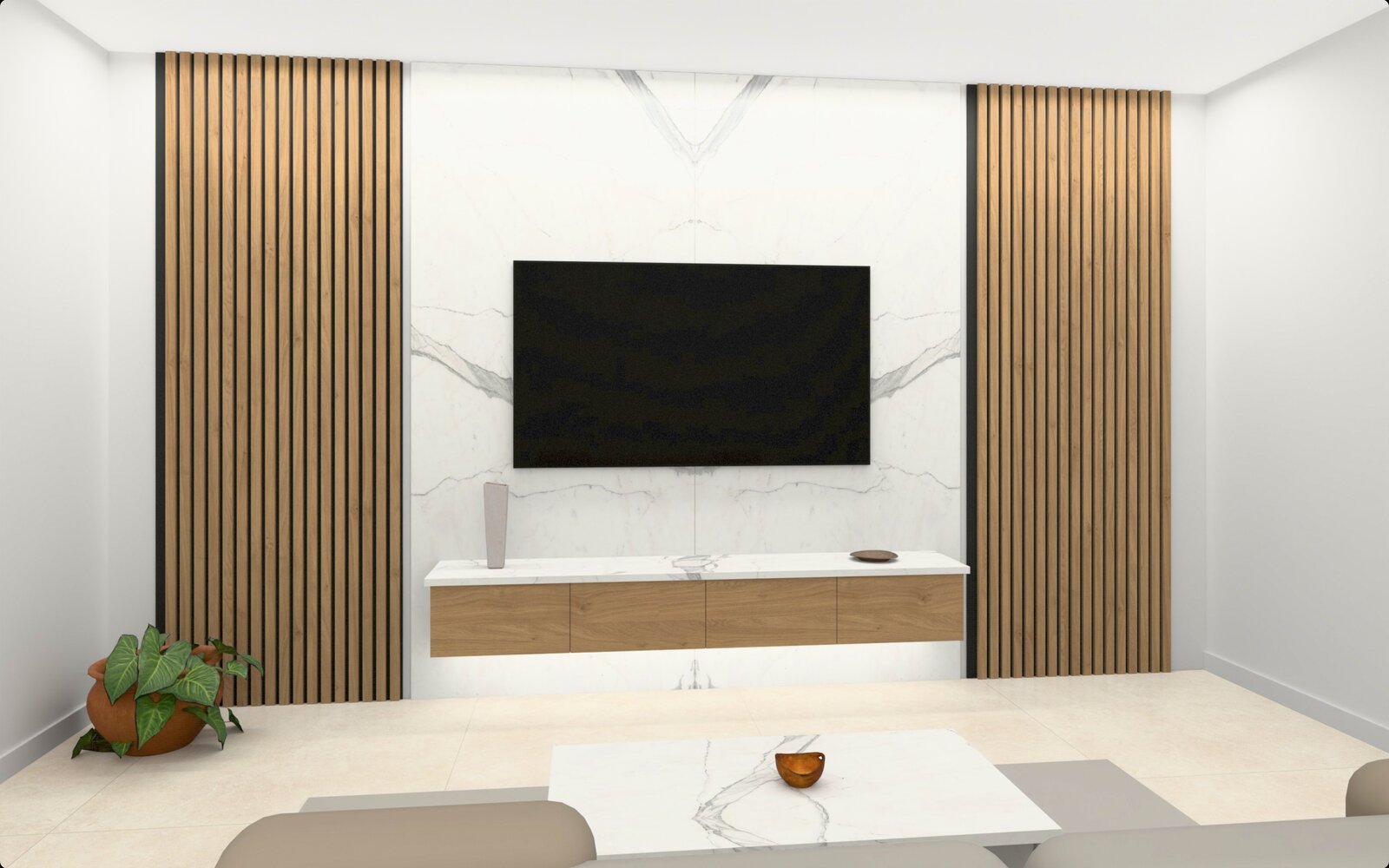
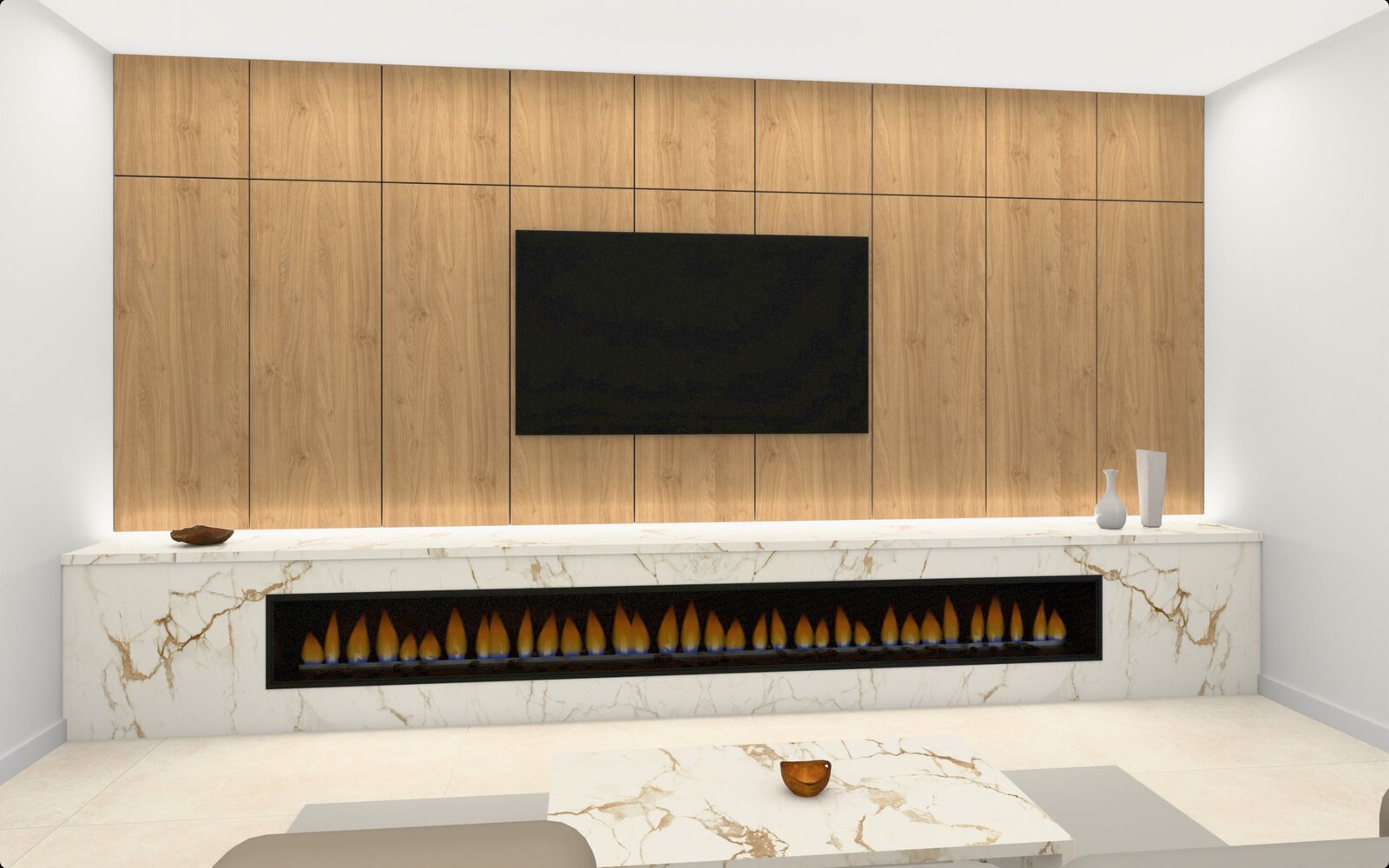
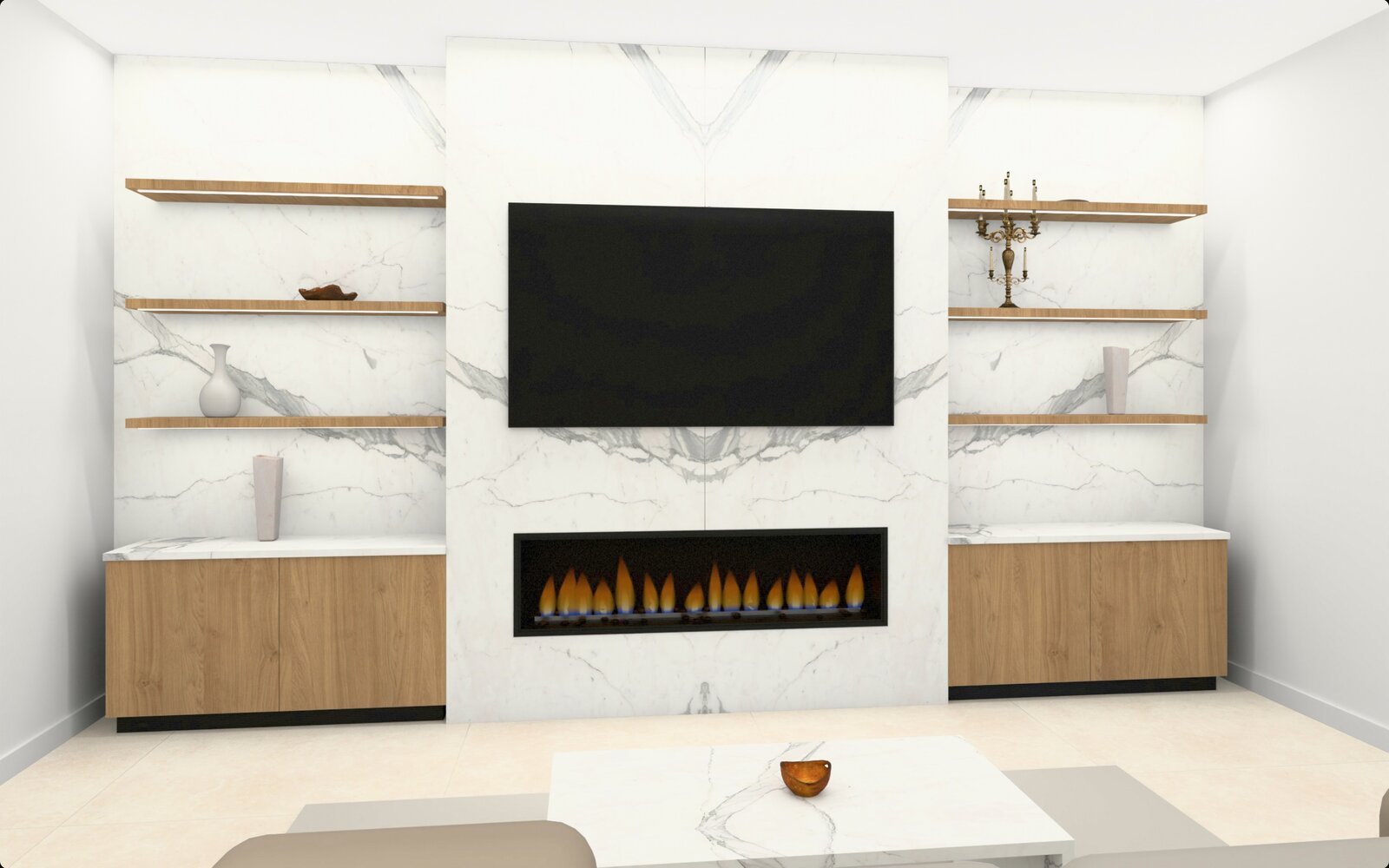
Eleven kitchens, three living rooms and a bathroom, all rendered in high resolution in a bright look; 63 views. The company hides what does not suit it.
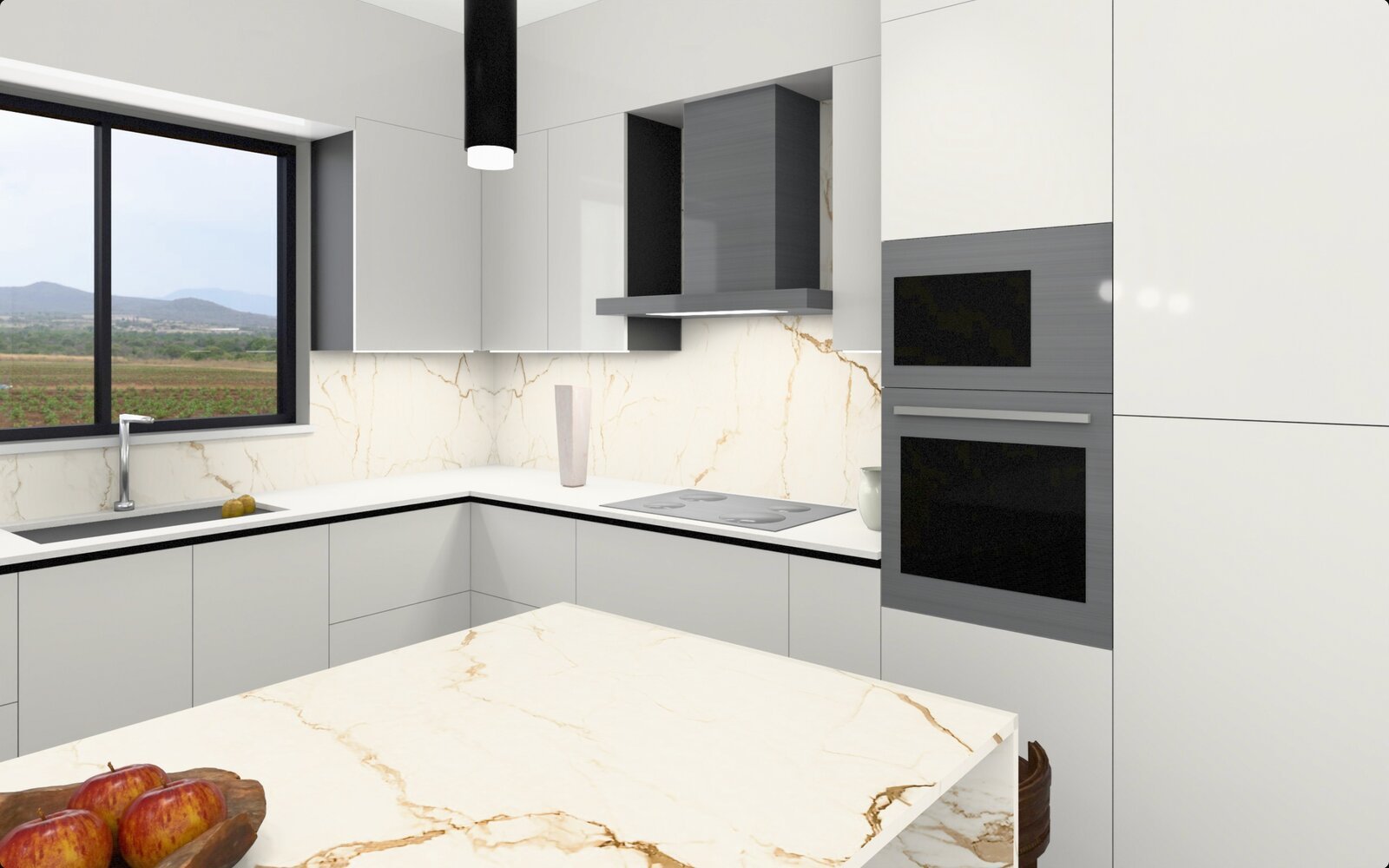
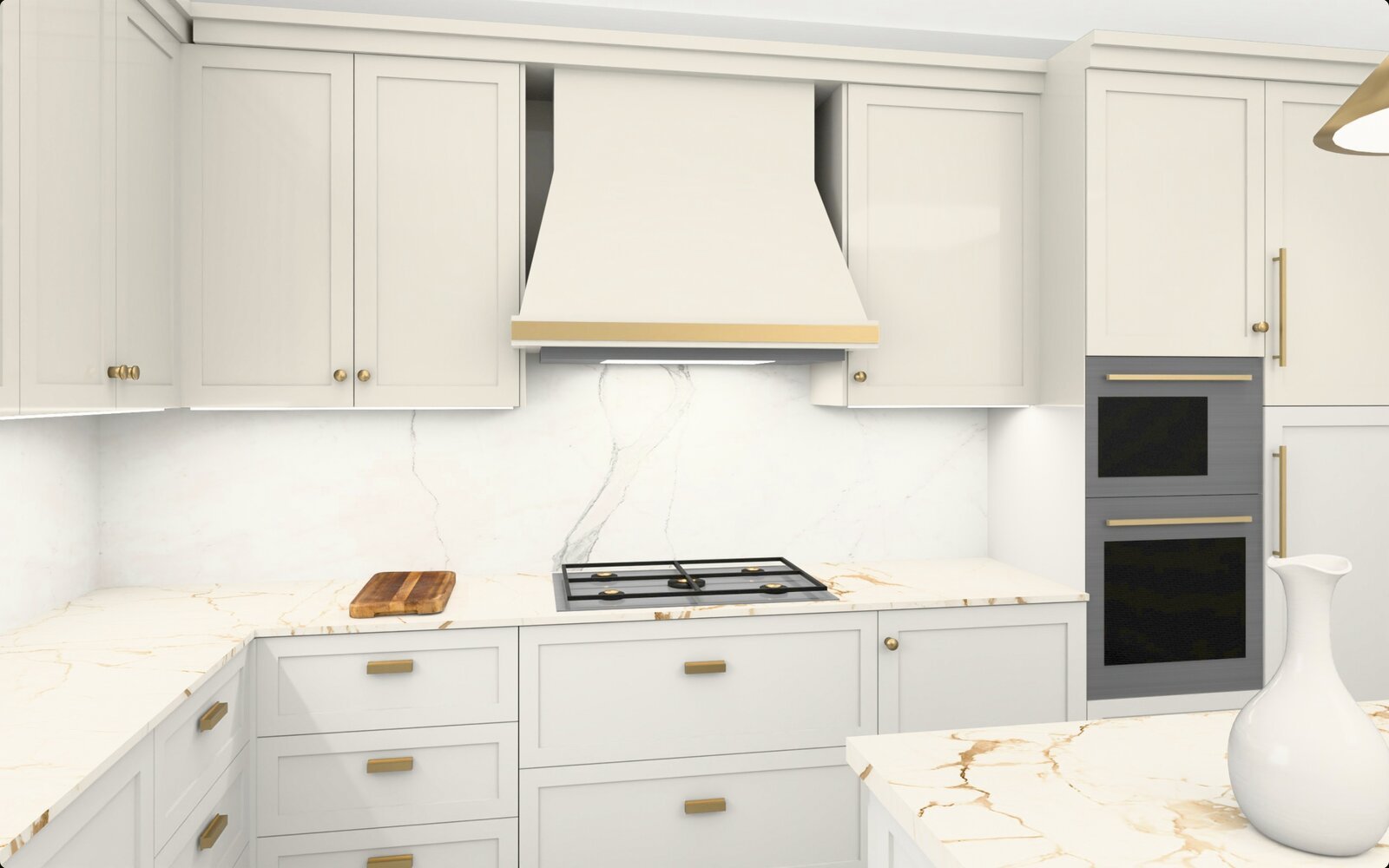
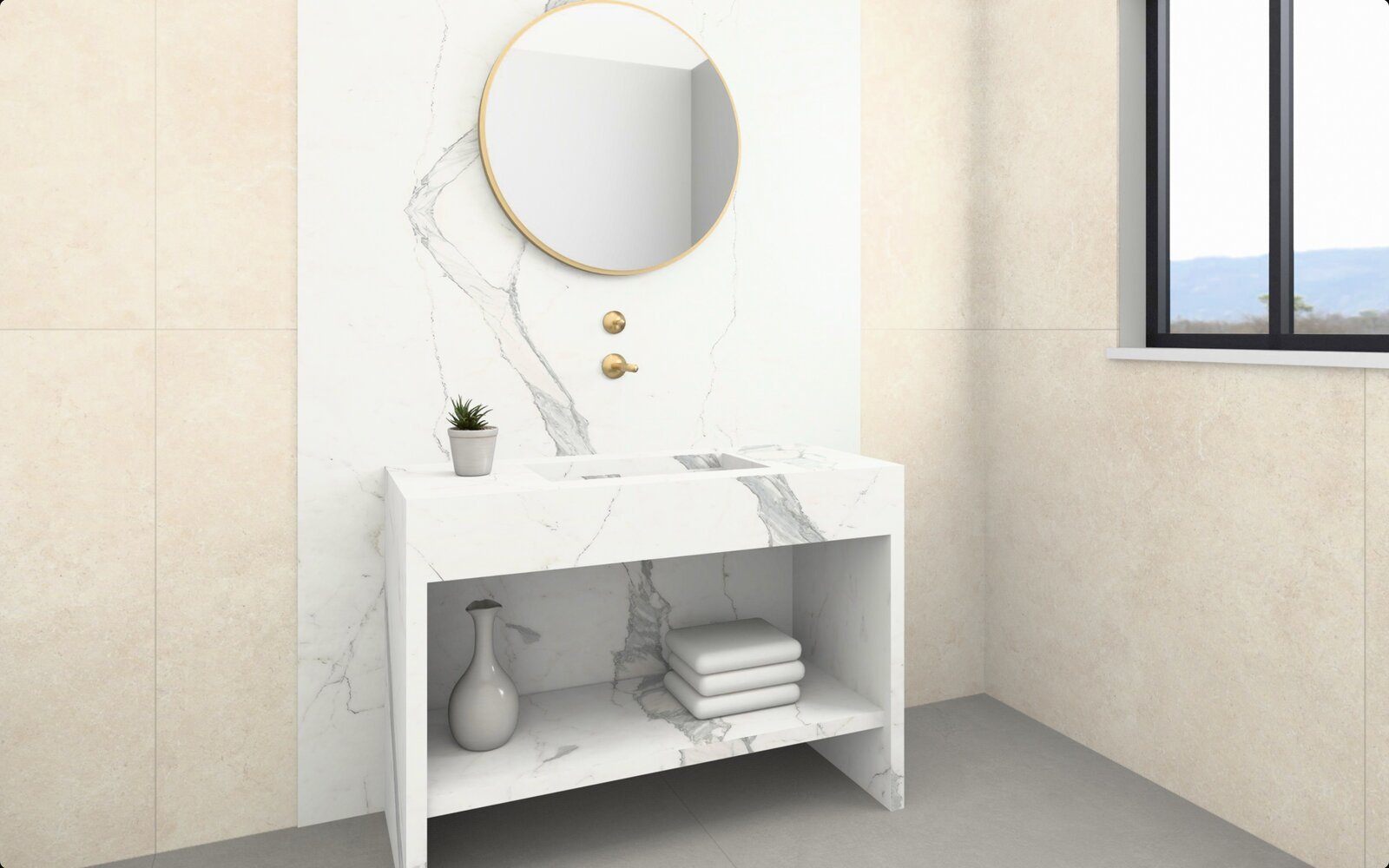
11 kitchens, 3 living rooms, a bathroom with seven vanity models, 63 HD views, and new scenes with every update
Not only kitchens
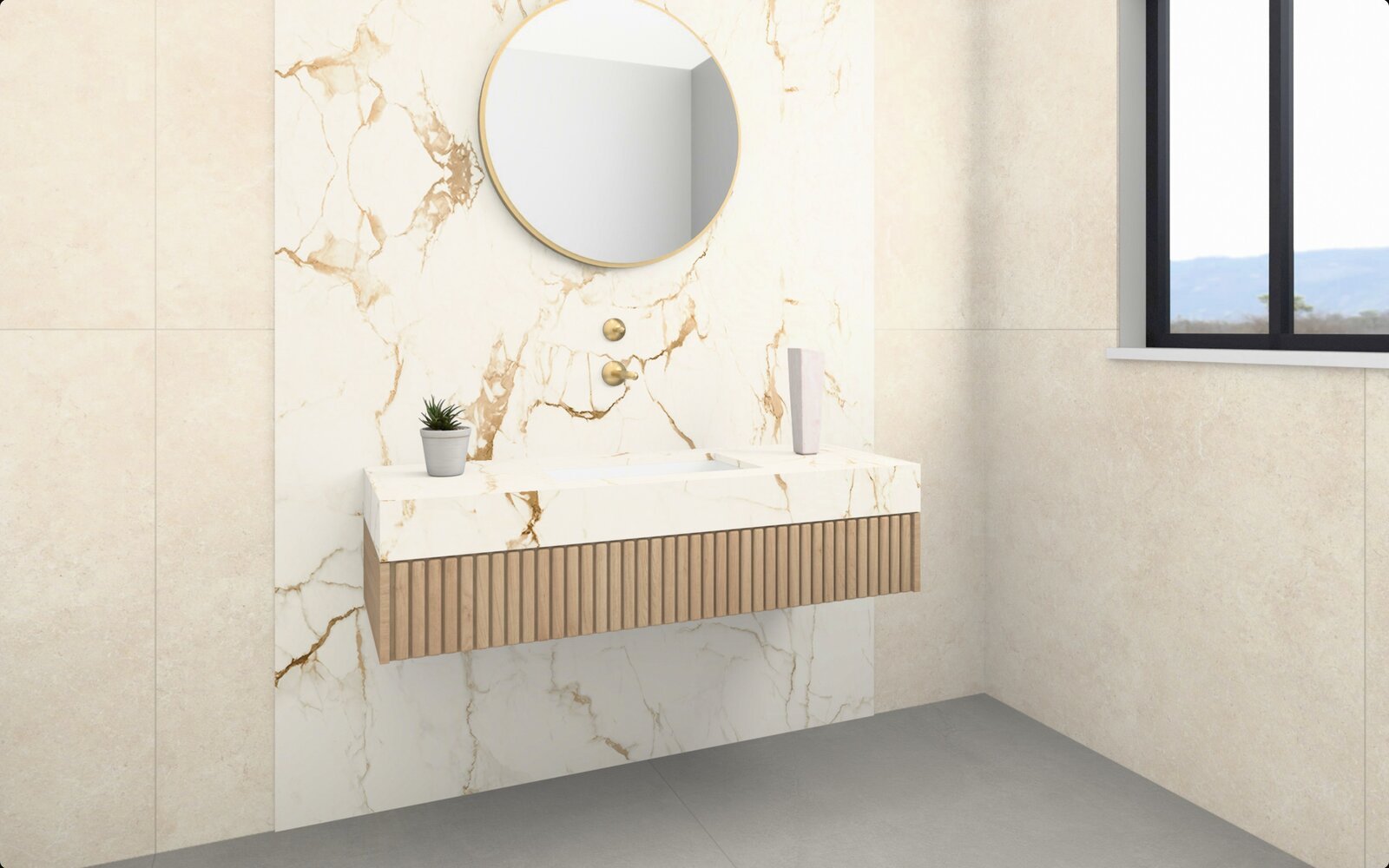
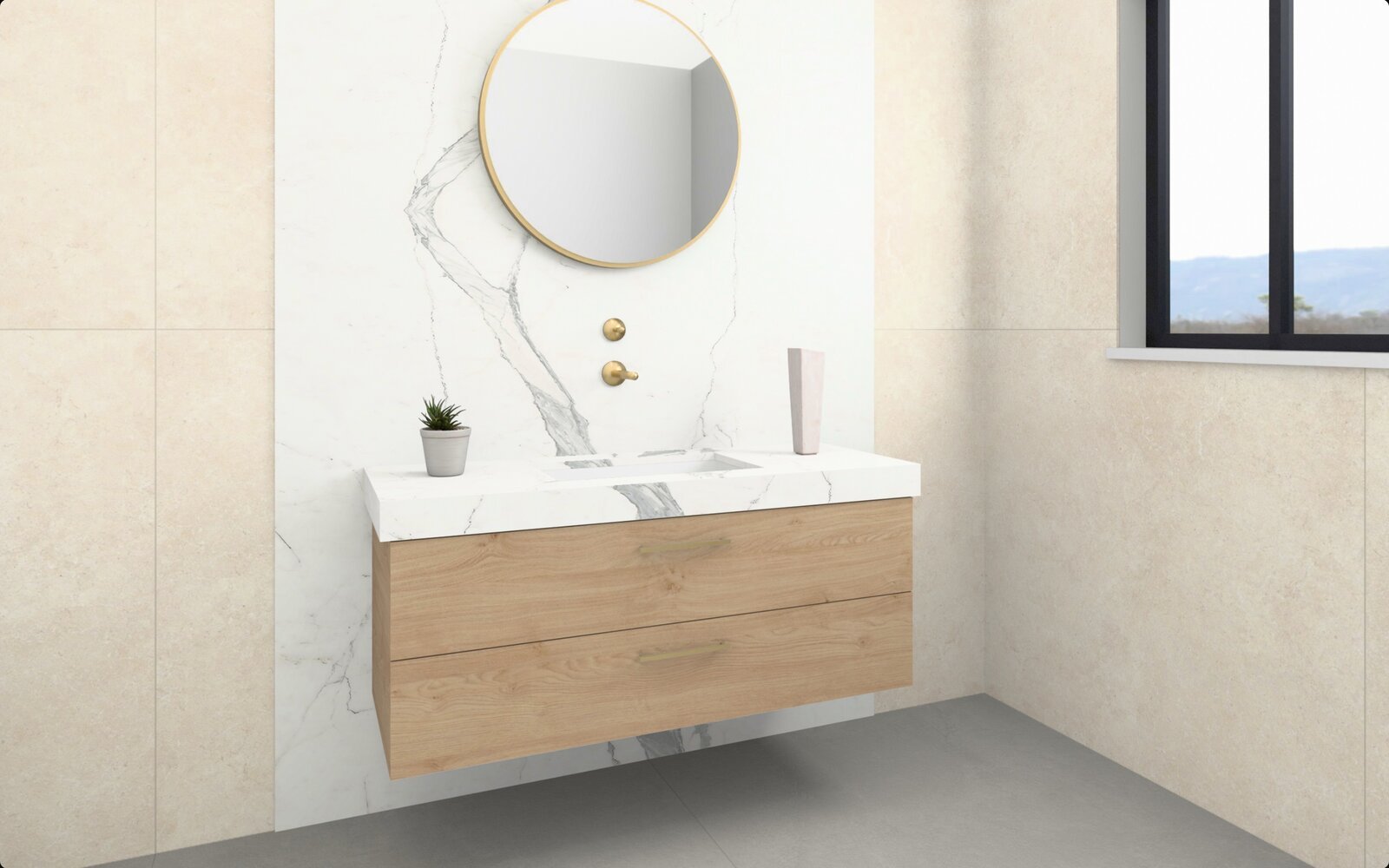
Living rooms: the TV wall, the fireplace and the coffee table in marble. Bathrooms: seven vanity models in the same material, with the wall behind the vanity from your slabs.
Your materials, the rest is ready
- Your slabs straight from your website, or from an Excel sheet and your photos if you have no website.
- Woods: 62 decors with the grain running along the doors.
- Lacquer: 32 colours, from white to black.
- Porcelain tiles: 25 types for floors and walls.
- Hide what you do not sell and add what you like from the company panel.
From the screen to the customer’s phone
The customer chooses
The scene, the materials and the view they liked.
Staff enter name and number
Once, with the name of the staff member who served them.
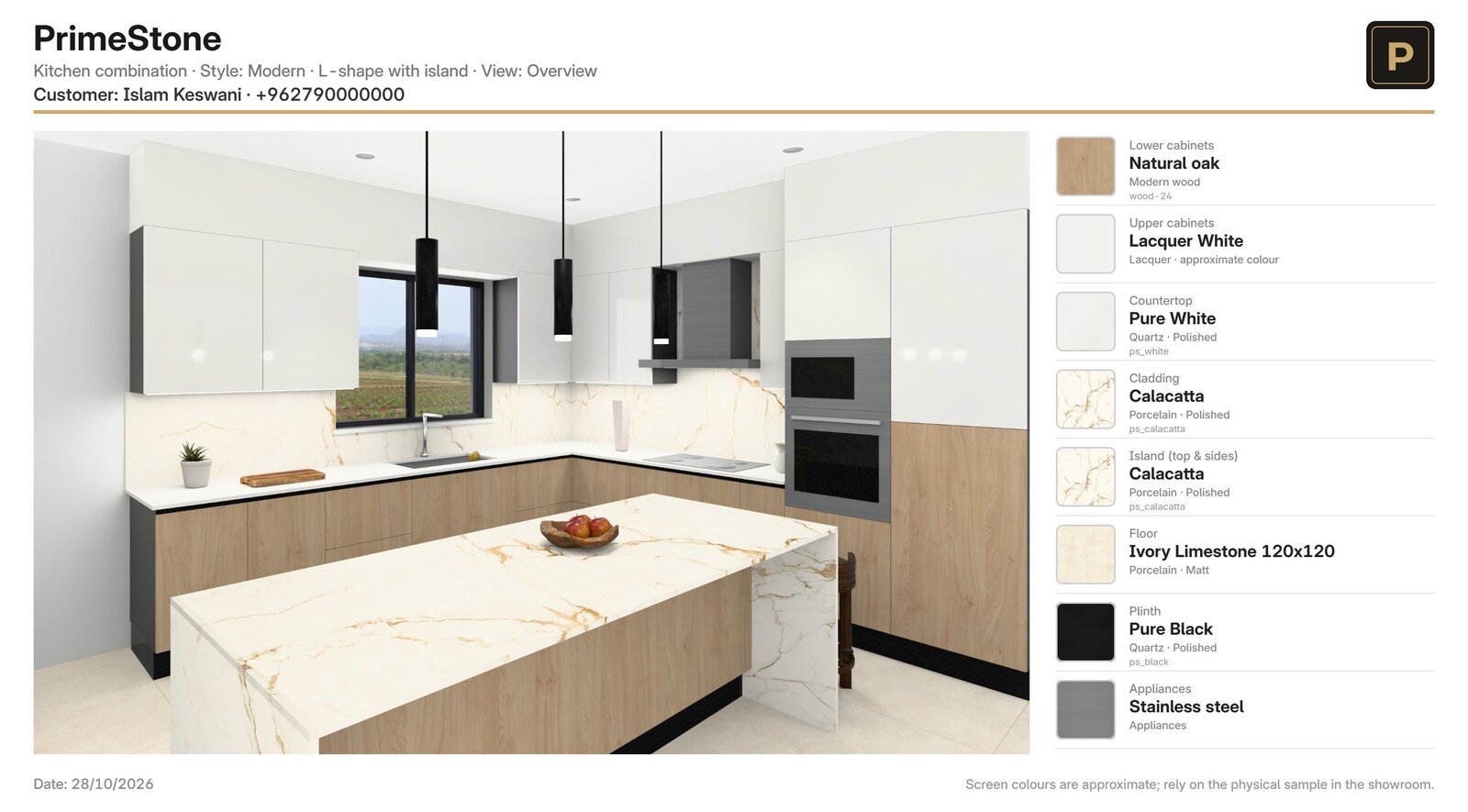
Picture or PDF sheet
With the combination, the material names, your logo and contact details.
Sent and filed
To the customer’s WhatsApp from the showroom device, and into your archive under their name.
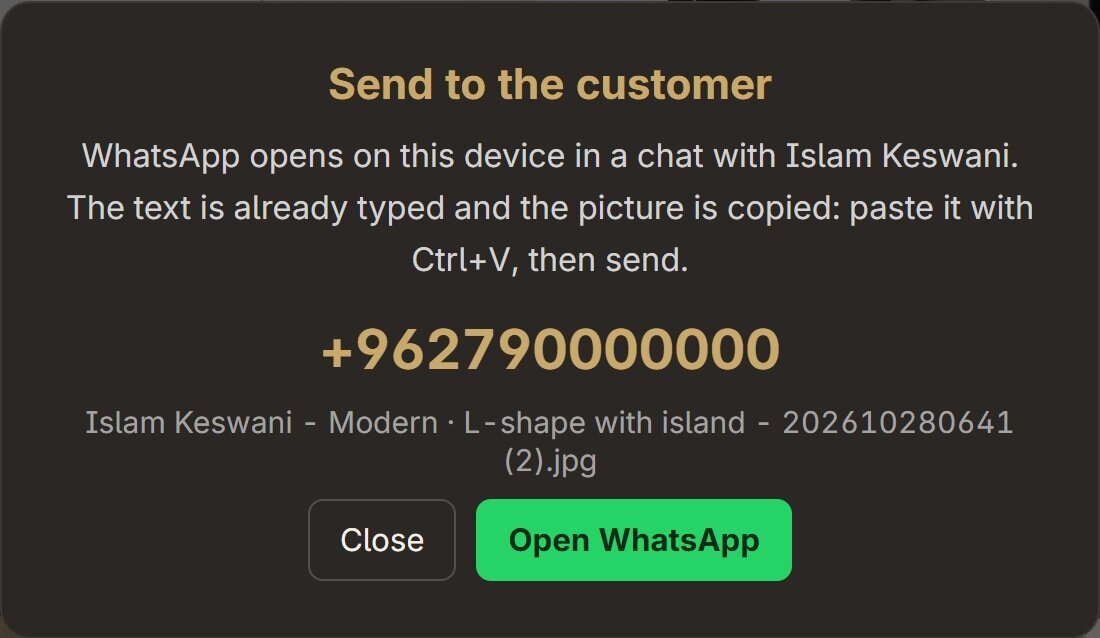
- Who visited, what they chose, when, and who served them: a register that opens in Excel.
- A consent line: the customer agrees to be contacted.
- An automatic weekly backup of the archive.
- Neither your data nor your customers’ data is uploaded to any server.
Runs in your showroom without fuss
Works offline
Connects once a day for the licence only, and runs 30 days if the internet drops.
Sign-in without a password
The company phone number and a six-digit code we send on WhatsApp; after a reinstall you return to the same seat.
Showroom mode
Full screen, back to the start after a few idle minutes, nothing lets the customer out of it.
Arabic and English
For the customer and the company panel with one button; material names in both languages.
Company panel
Hide a material, change a logo or text, change the WhatsApp number, back up the archive: with the company code.
Windows and macOS
Installs on any touch screen or computer in the showroom; updates come from us.
What we need from you
Identity file
- Logo as a transparent PNG (and a light version if you have one).
- Primary and secondary colours.
- Hero photos, an “About us” photo and one photo per category.
- Name in both languages, founding year, city, “About us” text.
- Phones, showroom WhatsApp, email, address and opening hours.
Products
- The whole slab, flat: shot straight on, no perspective, no reflections.
- JPG at quality 90 to 95, long side 4096 to 6000 pixels.
- Name in Arabic and English, category, origin.
- Size in centimetres, thickness, finish (polished or matt).
- One Excel sheet for all products; we give you the template.
Welcomes the customer at the screen, enters their name and number, and sends them the combination. One hour of training, support by phone.
Delivery step by step
Agreement
Number of screens, duration, what follows the trial; one staff member responsible for the screen.
Materials from the company
Logo, colours, showroom WhatsApp, and the slab photos with an Excel sheet, within a week.
The pack on our side
From your website in one click, or from the sheet and photos; we check every slab on the kitchens and fix the weak ones.
Installation day
Install on the showroom screen, the pack, the archive and backups, and a full run-through with staff in one hour.
The two trial weeks
A weekly call with the staff member and phone support; on day 11 the subscription decision.
Subscription and support
One-time setup fee
Preparing your materials pack, reviewing the photos, installing the screens and training.
Yearly subscription per screen
By number of showroom screens. A reminder 30 days before it ends.
Support and updates
Support by phone and WhatsApp, new scenes and features with every update.
Your data stays yours
Your customers’ archive on your device, and no customer data uploaded to us.
It starts with one screen and a pack of your materials and logo, with phone support for the two weeks. At the end, either the yearly subscription or the program stops, and your customers’ data stays on your device.
Prices and setup fees are discussed in the meeting, by number of screens.
We show the program on a screen in your showroom.
And we start the trial with one screen and a pack of your materials.